@Josh Edgoose @Josh Edgoose ©Shohei Sawada ©Shohei Sawada ©Kiko Arcas ©Kiko Arcas ©Yukio Uchida ©Yukio Uchida ©Yukio Uchida ©Yukio Uchida ©Tom Baumgaertel ©Tom Baumgaertel ©Rammy Narula ©Rammy Narula ©Rammy Narula ©Rammy Narula

Film Simulation

The ‘Look’ That Wins Your Heart


When we watch a movie, the first thing we notice is the visual aesthetic, even before we connect with the actors or story. This is called the ‘look’ and it differs from movie to movie, often staying with us far longer than the plot or ending. Photographs are the same. Before the subject, composition, point-of-focus or exposure, the thing that captures people’s attention is the ‘look’.

Color Science Inspired by Photographic Film


The ‘look’ is an aesthetic created by a combination of complex elements, including contrast and hue. Film Simulations offer a wide variety of looks, while maintaining an overall consistency.

Introduced in 2004, they harnessed 70 years of knowledge that had been acquired manufacturing photographic film since 1934, when Fujifilm was founded. This history and experience are reflected in the high quality of the Simulations, but rather than simply recreating analog film, Film Simulations inherit the vision of the future we strived for in the analog era. Now, with digital fine-tuning, they have reached their present forms which, like film, offer surprises and opportunities, firing the imaginations of photographers to expand their creativity.

Like dining at a restaurant where an experienced chef carefully oversees the flavors of each dish, Film Simulations allow you to enjoy the results of extensive expertise without deep photographic knowledge.

ACROS

Shoot in black and white in rich details with sharpness.
© Naoya Takahashi
© Lili Liu
© Ana Markovych
© Naoya Takahashi
© Lili Liu
© Ana Markovych

ACROS+ Ye FILTER

Slightly enhances contrast and darkens skies in ACROS
© Naoya Takahashi
© Lili Liu
© Ana Markovych
© Naoya Takahashi
© Lili Liu
© Ana Markovych

ACROS+ R FILTER

Enhances contrast and darkens skies considerably in ACROS
© Naoya Takahashi
© Lili Liu
© Ana Markovych
© Naoya Takahashi
© Lili Liu
© Ana Markovych

ACROS+ G FILTER

Produces pleasing skin tones in portrait in ACROS
© Naoya Takahashi
© Lili Liu
© Ana Markovych
© Naoya Takahashi
© Lili Liu
© Ana Markovych

MONOCHROME

Shoots in black and white.
© Naoya Takahashi
© Lili Liu
© Ana Markovych
© Naoya Takahashi
© Lili Liu
© Ana Markovych

MONOCHROME+ Ye FILTER

Slightly enhances contrast and darkens skies in MONOCHROME
© Naoya Takahashi
© Lili Liu
© Ana Markovych
© Naoya Takahashi
© Lili Liu
© Ana Markovych

MONOCHROME+ R FILTER

Enhances contrast and darkens skies considerably in MONOCHROME
© Naoya Takahashi
© Lili Liu
© Ana Markovych
© Naoya Takahashi
© Lili Liu
© Ana Markovych

MONOCHROME+ G FILTER

Produces pleasing skin tones in portrait in MONOCHROME
© Naoya Takahashi
© Lili Liu
© Ana Markovych
© Naoya Takahashi
© Lili Liu
© Ana Markovych

SEPIA

Shoots in sepia tone.
© Naoya Takahashi
© Lili Liu
© Ana Markovych
© Naoya Takahashi
© Lili Liu
© Ana Markovych

PROVIA

Ideal for a wide range of subjects.
© Naoya Takahashi
© Lili Liu
© Ana Markovych
© Naoya Takahashi
© Lili Liu
© Ana Markovych

Velvia

Vibrant reproduction, ideal for landscape and nature.
© Naoya Takahashi
© Lili Liu
© Ana Markovych
© Naoya Takahashi
© Lili Liu
© Ana Markovych

ASTIA

Softer color and contrast for a more subdued look.
© Naoya Takahashi
© Lili Liu
© Ana Markovych
© Naoya Takahashi
© Lili Liu
© Ana Markovych

CLASSIC CHROME

Soft color and enhanced shadow contrast for a calm look.
© Naoya Takahashi
© Lili Liu
© Ana Markovych
© Naoya Takahashi
© Lili Liu
© Ana Markovych

REALA ACE

Faithful color reproduction with hard tonality suitable for various scenes.
© Naoya Takahashi
© Lili Liu
© Ana Markovych
© Naoya Takahashi
© Lili Liu
© Ana Markovych

PRO Neg. Hi

Ideal for portrait with slightly enhanced contrast.
© Naoya Takahashi
© Lili Liu
© Ana Markovych
© Naoya Takahashi
© Lili Liu
© Ana Markovych

PRO Neg. Std

Ideal for portrait with soft gradations and skin tones.
© Naoya Takahashi
© Lili Liu
© Ana Markovych
© Naoya Takahashi
© Lili Liu
© Ana Markovych

CLASSIC Neg.

Enhanced color with hard tonality to increase image depth.
© Naoya Takahashi
© Lili Liu
© Ana Markovych
© Naoya Takahashi
© Lili Liu
© Ana Markovych

NOSTALGIC Neg.

Amber tinted highlights and rich shadow tone for printed photo look.
© Naoya Takahashi
© Lili Liu
© Ana Markovych
© Naoya Takahashi
© Lili Liu
© Ana Markovych

ETERNA

Soft color and rich shadow tone suitable for film look movie.
© Naoya Takahashi
© Lili Liu
© Ana Markovych
© Naoya Takahashi
© Lili Liu
© Ana Markovych

ETERNA BLEACH BYPASS

Unique color with low saturation and high contrast. Suitable for still and movie.
© Naoya Takahashi
© Lili Liu
© Ana Markovych
© Naoya Takahashi
© Lili Liu
© Ana Markovych

Your Vision, Your Way


Film Simulations aren’t simply a feature, they embody Fujifilm’s founding color philosophy. Each look forms part of our creative legacy, while also offering limitless freedom for personal expression.


Anyone can create a unique vision for their story. And no matter how bold or subtle those choices are, every look comes together in a rich, cohesive harmony.


Tell your story with every frame and dive deep into a world of individuality and self-expression. 
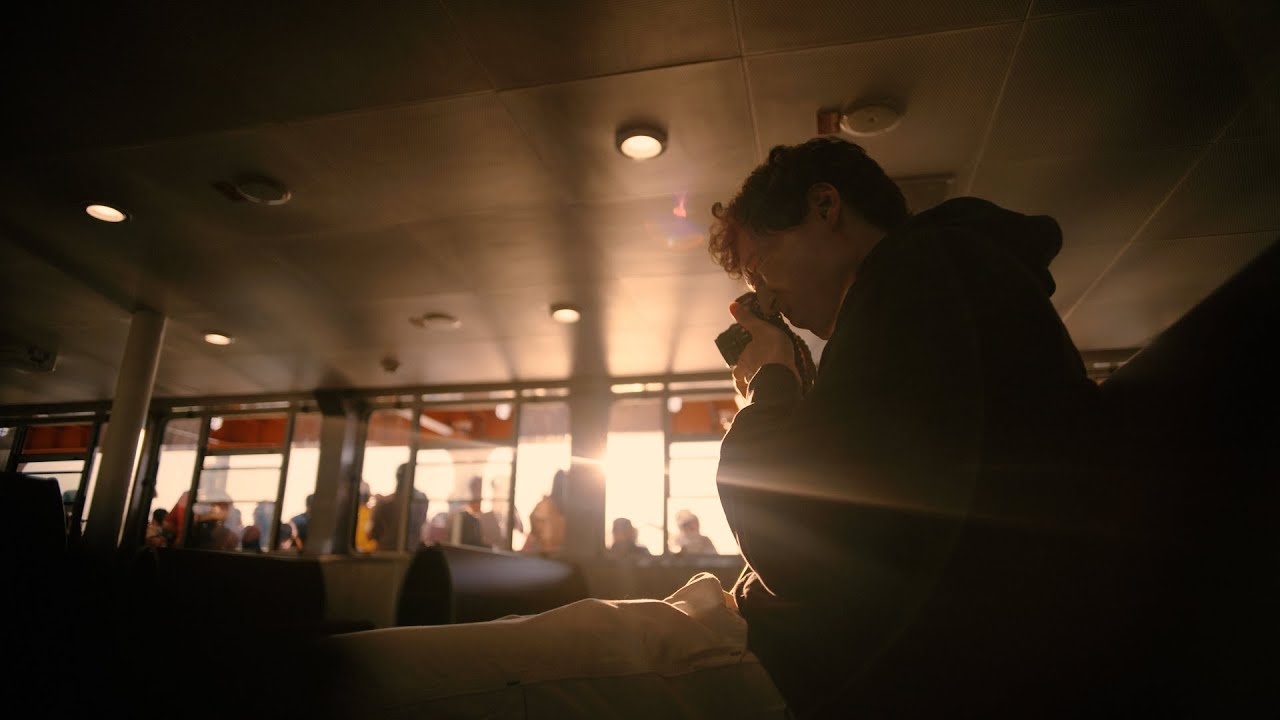
00:00 00:00

Functions to Further Enjoy Film Simulation

RB Chart
Add a reddish or bluish tinge (warm or cool color cast) to the ACROS and MONOCHROME monochrome film simulations. Color can be adjusted on the WARM–COOL and G (Green)–M (Magenta) axes.
© Shohei Sawada
From subtle textures to the gritty look of traditional high-ISO film stocks, you can easily add natural-looking grain to your photos. Control the strength and size for just the right amount of texture on any image.
© Yukio Uchida
For highly saturated subjects, COLOR CHROME EFFECT adds depth, detail, and vibrancy in three strengths to red, green , or yellow tones where detail may otherwise be lost.
© Shohei Sawada
Increase the range of tones available for rendering blues.
OFF
STRONG
© Maggie Parise
Ideal for portraiture, this function smooths skin texture for more flattering complexion.
RB Chart
For natural colors, choose a WHITE BALANCE option that matches the light source.
Dynamic Range - Image 3
© Luke Davis
Wide dynamic ranges reduce loss of detail in highlights for more natural results with high-contrast or backlit scenes.
D Range Priority - Image 3
Reduce loss of detail in highlights and shadows for natural-looking results when photographing high-contrast scenes.
© Tomotaka Nakamura
With reference to a tone curve, adjust the appearance of highlights or shadows, making them harsher or softer. Choose higher values to make shadows and highlights harsher, lower values to make them softer.
© Yuri Katafuchi
Adjust color density. To make the colors in your photos richer, set the slider to the “+” side; to make them lighter, set it to the “-” side.
© JM Beltran
Sharpen or soften outlines. To sharpen the edges, set the slider to the “+” side; to soften them, set it to the “-” side.
High ISO NR - Image 3
Reduce noise in pictures taken at high sensitivities. Choose higher values to reduce noise and smooth outlines, lower values to leave outlines visible.
© Luo Fei
Increase definition while altering tones in highlights and shadows as little as possible. Choose higher values for increased definition, lower values for a softer effect.

Monochromatic Color

Grain Effect

Color Chrome Effect

Color Chrome FX Blue

Smooth Skin Effect

White Balance

Dynamic Range

D Range Priority

Tone Curve

Color

Sharpeness

High ISO NR

Clarity







